We measure
what we do daily.
I put the measure in your pocket. CraftBelt is where the day gets recorded, so the rest of the company can see it, teach from it, and reward the people who did the work.

I put the measure in your pocket. CraftBelt is where the day gets recorded, so the rest of the company can see it, teach from it, and reward the people who did the work.
Hours against the job and cost code, the way your company counts them. Crew tickets in one pass.
Approve the crew the same day, fill in the Job Sheet, and plan next week with Schedule Ahead.
Your years in the trade on the web: jobs, photos, and certifications. It belongs to you.
Construction calculators, conversions, and photo counts, right next to your time.
 Time Desk
Pick the job and cost code, with the names next to the numbers, and enter the day. CraftBelt follows your company's setup: total hours or regular, overtime, and double time; clock in and out or end of shift.
Your week sits on one screen, with your PTO balance and what still needs approval.
 Approval Desk
The Approval Desk lays the week out by day, job, or employee. Approve one person or the whole job day, and the Job Sheet for that day is right there with quantities by cost code.
Plan ahead the same way: Schedule Ahead puts your crew on next week's jobs, and the office sees the same plan.
See the foreman tools
PassPort is a free website for the craftsman: years in the trade, the jobs you built, your photos, and your certifications. Change companies and it goes with you.
What the crew enters in CraftBelt is what the office approves, pays, schedules from, and measures production against. One set of numbers from the field to payroll.
One Job Sheet per job per day: quantities by cost code, notes, photos, and the day's weather.
Foremen place the crew on next week's jobs. The office Premium Schedule reads the same plan.
Hours, quantity, and rate against the estimate, green when you are ahead and red when you are behind.
Scan material out to a job or in from a vendor. The office builds the export.
Text a crew or a saved group from the phone.
Tap a job to open maps to the site.

“The day has a goal. The goal has a score. The score belongs to the crew.”
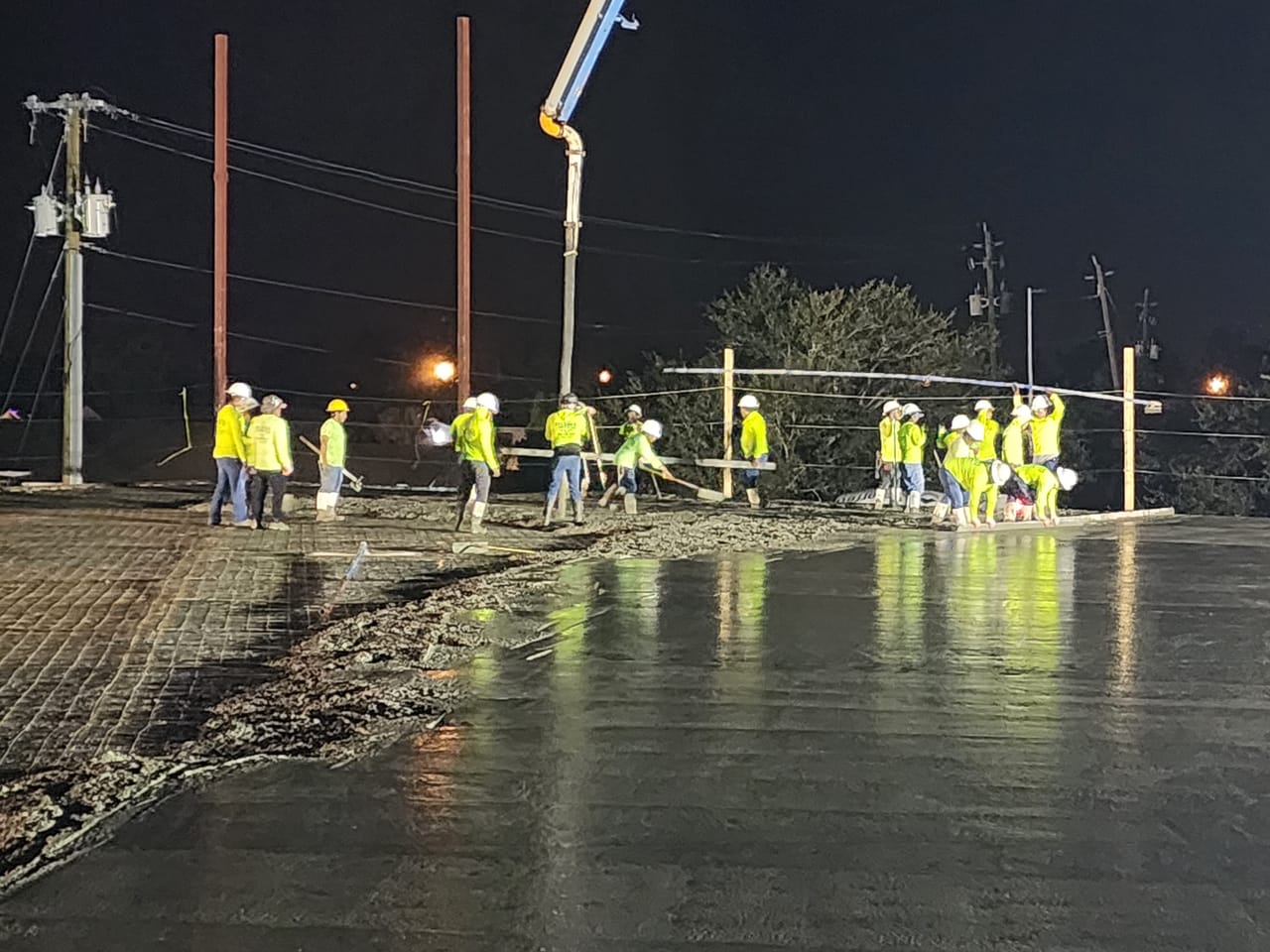
I ran a concrete company with more than 250 people, and we built the first PayCrew in 1993. CraftBelt is the part of that system the craftsman holds.
Lee A. Clark · Founder, Aecoris

Twenty minutes, on a phone, with your jobs and cost codes in mind. Pricing is quoted to your company, so send us a message and we will walk through it.